GTA IV Ukrainian translation: text and voice-over mod
November 2, 2026 · 3 min read
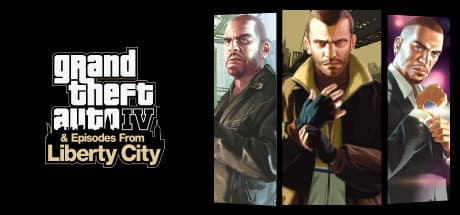
Does GTA IV support Ukrainian, how to install the free Ukrainian translation with voice-over for The Complete Edition and both episodes, and what is translated.
Officially, no. GTA IV: The Complete Edition on Steam ships with English, French, Italian, German and Spanish, and full audio only in English. Still, you can play the whole game in Ukrainian: there is a free fan translation with text and voice-over for the main game and both episodes.
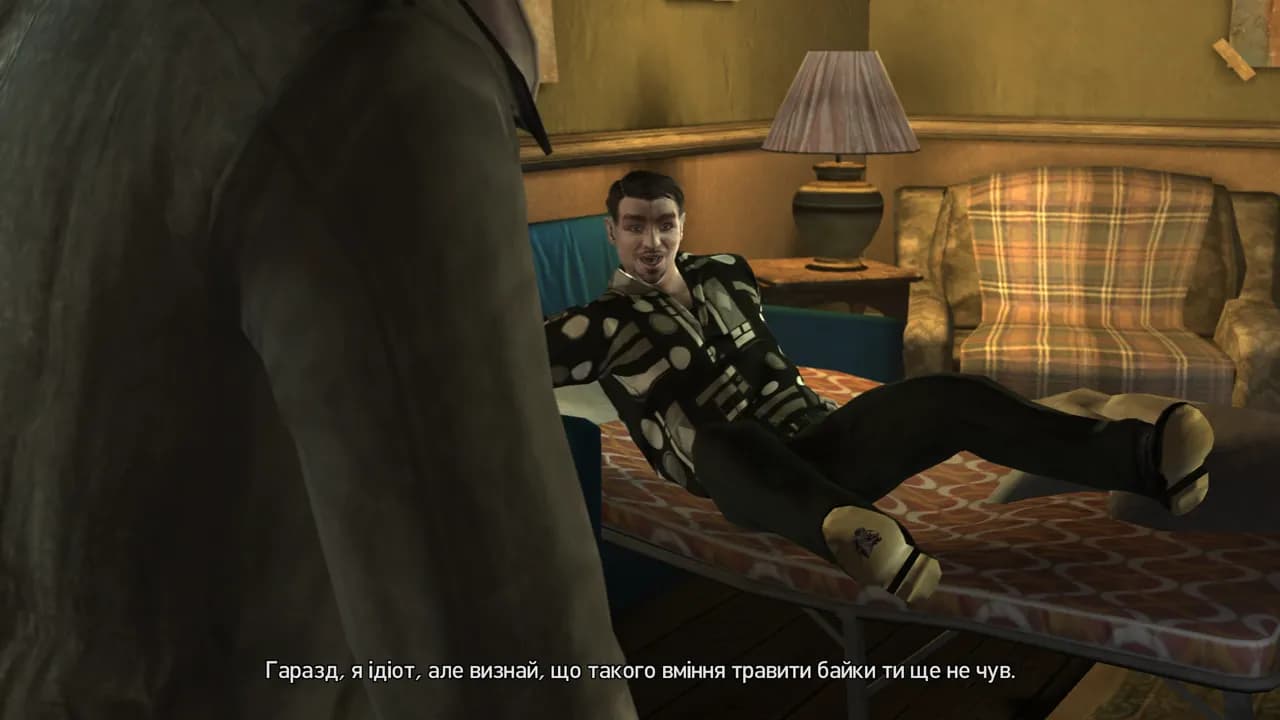
What is translated
| What | Main game | The Lost and Damned | The Ballad of Gay Tony |
|---|---|---|---|
| Menus and UI | yes | yes | yes |
| Subtitles, dialogue, messages | yes | yes | yes |
| Voice-over in missions and calls | yes | yes | yes |
| Voice-over in cutscenes | yes | yes | yes |
| Radio, pedestrians | no | no | no |
That is over 80,000 lines of text and about 38,700 voiced lines. The game fonts get the Ukrainian letters Ґ, Є, І, Ї. A small share of lines and a few episode cutscenes still play in English, with Ukrainian subtitles.
The voice-over
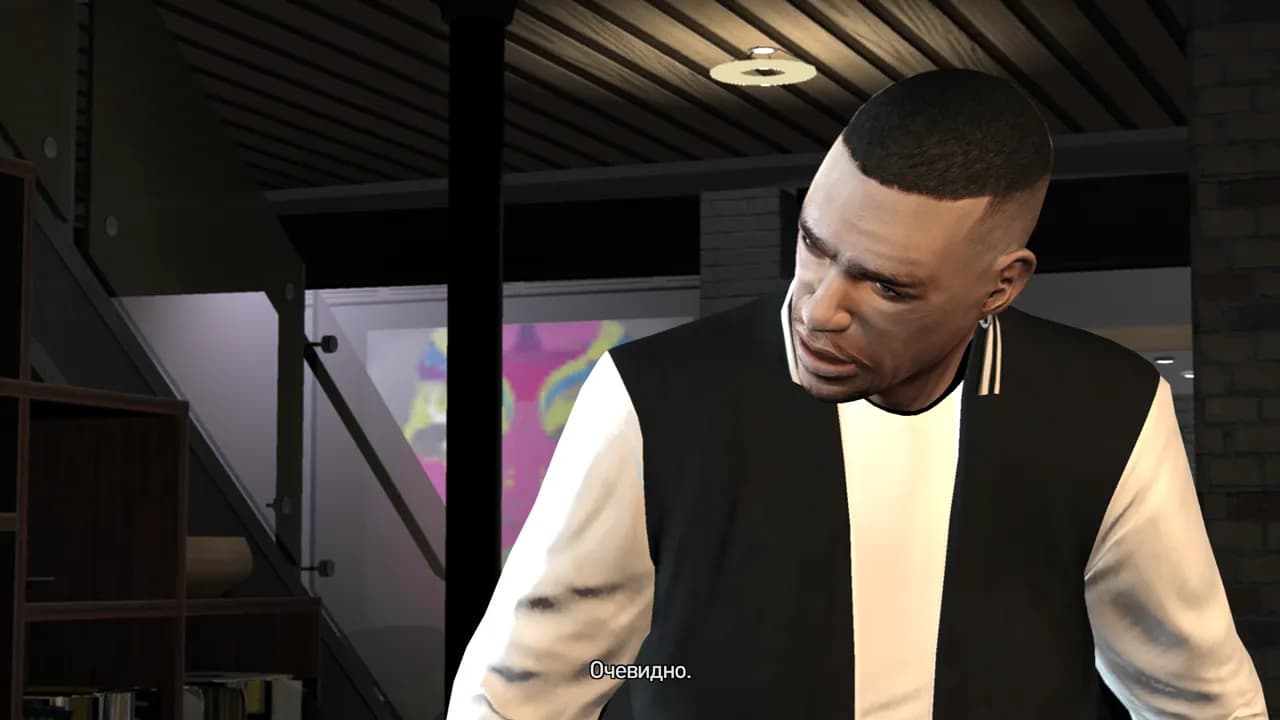
The voices are synthetic, generated with Boson AI's Higgs Audio, not recorded by actors, and the original actors' voices were not cloned. Niko, Roman, Johnny, Luis, Tony and other notable characters keep stable voices across the game, and the delivery follows each line: shouting, whispering, anger.
If you prefer the original voices, install text only: English voice-over with Ukrainian subtitles.
How to install
- Download the archive from the translation page and extract it. It contains two installer files, setup.exe and setup-1.bin, plus a README. Keep both in the same folder.
- Run GTAIV-Ukrainian-1.0-setup.exe. It finds the game in Steam.
- Choose “Text and voice-over” or “Text only”. The voice-over needs about 4.5 GB of free space on the game drive.
- Keep English as the language in Steam and in the game: the translation replaces it. Nothing to switch.
Troubleshooting
- The game is English again after an update. Steam may restore original files after an update or a file integrity check. Run the installer again.
- The installer says the game files differ. Verify the game files in Steam (Properties → Installed Files) and install again.
- You want the original game back. Uninstall via Windows Settings → Apps → “Українізатор GTA IV: The Complete Edition”.
Next
Step-by-step story guides: GTA IV walkthrough: all main missions and The Lost and Damned and The Ballad of Gay Tony walkthrough. The translation is free; donations of any amount are welcome on the download page.
Sources
- GTA IV: The Complete Edition on Steam: languages and release date of The Complete Edition
- Higgs Audio by Boson AI: the model used for the voice-over
Read next
- Phantom Blade Zero in Ukrainian: translation mod with voice-over
Does Phantom Blade Zero support Ukrainian, how to install the free Ukrainian text and voice-over mod, what is translated and how to remove it.
- Cyberpunk 2077 Ukrainian language: official text yes, voice-over no
Cyberpunk 2077 has official Ukrainian menus and subtitles since update 2.0 (Sept 2023) but no dub. How to switch it on and whether you need a fan patch.
- Forza Horizon 5 in Ukrainian: no language support, and what to pick instead
Forza Horizon 5 has no Ukrainian language and no fan translation that we know of. Which languages Steam lists and which one to choose if you want a language that's easy to read.