Phantom Blade Zero in Ukrainian: translation mod with voice-over
November 8, 2026 · 3 min read
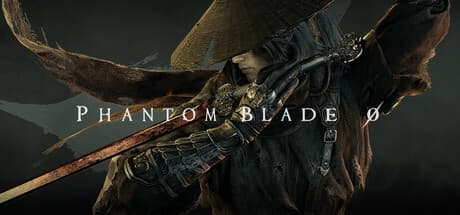
Does Phantom Blade Zero support Ukrainian, how to install the free Ukrainian text and voice-over mod, what is translated and how to remove it.
Not officially. Phantom Blade Zero launched on 28 October 2026 with English, Chinese, Russian and about a dozen other languages; full voice-over is English and Chinese only. Ukrainian is not on the list. You can still play it in Ukrainian: there is a free fan mod with Ukrainian text and voice-over.
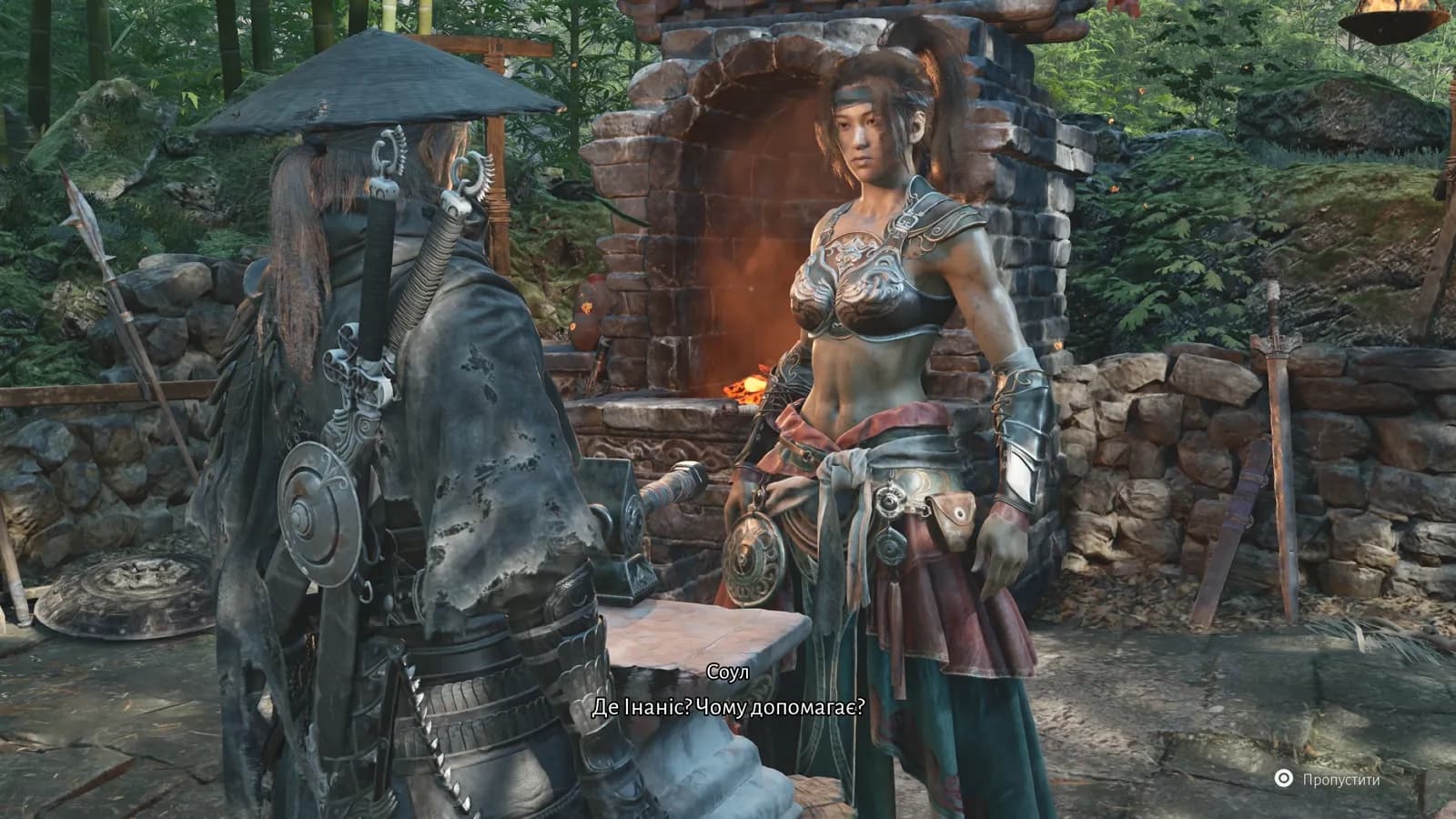
What is translated
| What | Status |
|---|---|
| Menus, UI, tutorials | yes |
| Subtitles and dialogue | yes |
| Lore, letters, item and weapon descriptions | yes |
| Dialogue voice-over | yes |
| Cutscene voice-over | yes |
| Songs, combat barks, wordless shouts | original |
That is over 10,000 lines of text. Phantom Blade Zero is a wuxia "kungfupunk" game full of sects, techniques and Sha-Qi; names and terms follow one glossary so the same thing is never called two different names. The UI and subtitle fonts include the Ukrainian letters Ґ, Є, І, Ї.
The voice-over
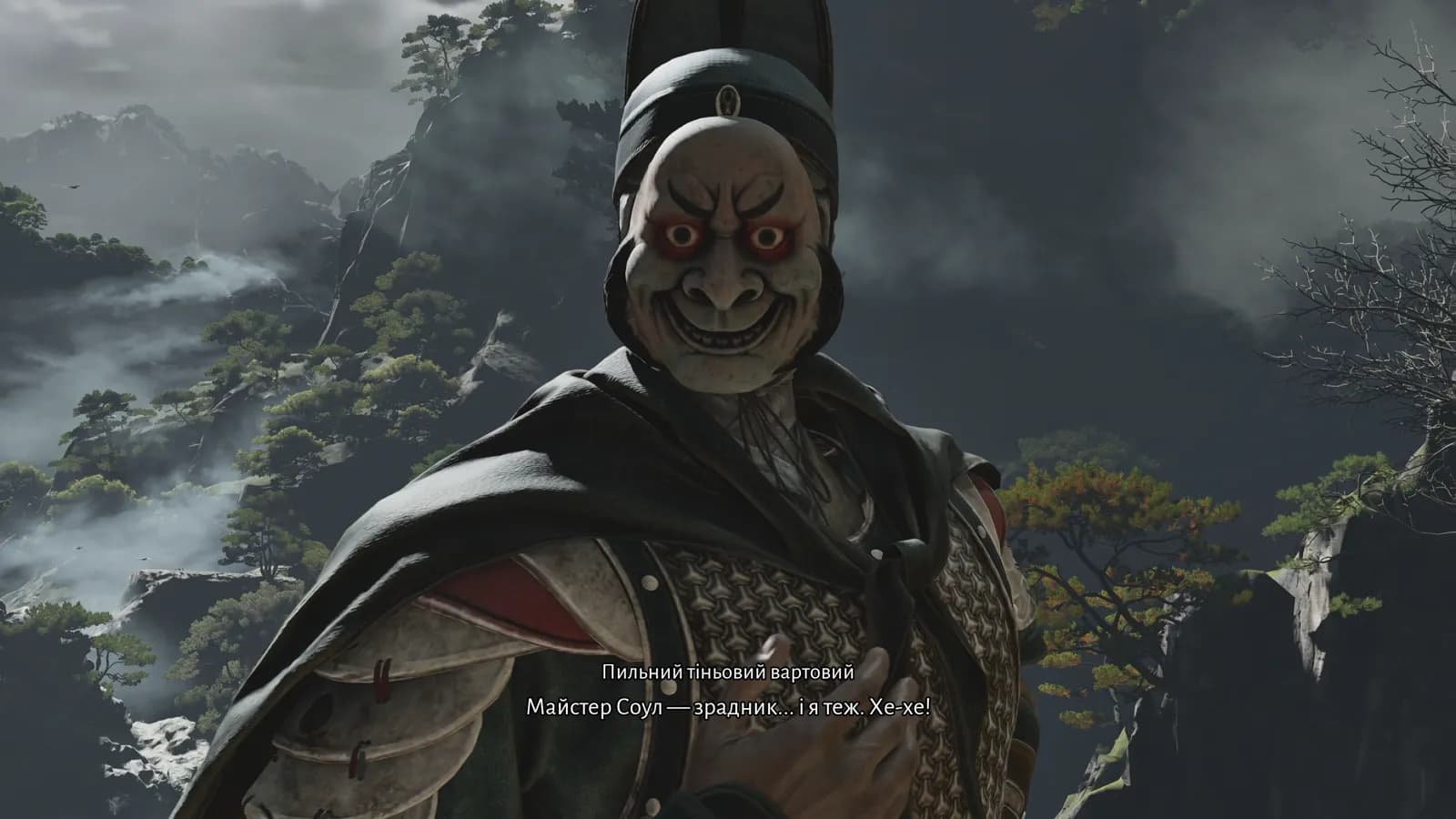
The voices are synthetic, generated by a neural network (Google Gemini TTS) rather than recorded by actors, and the original actors' voices were not cloned. Every character keeps one voice for the whole game: Soul, Zuo Shang, Inanis, Yuer and Old Geng sound the same from scene to scene. Women have female voices, children have children's voices, and the intonation follows the meaning of each line.
Ukrainian lines are often longer than English ones. Where a line did not fit the length of the original, it was rephrased more concisely so it plays in full and never cuts off mid-sentence.
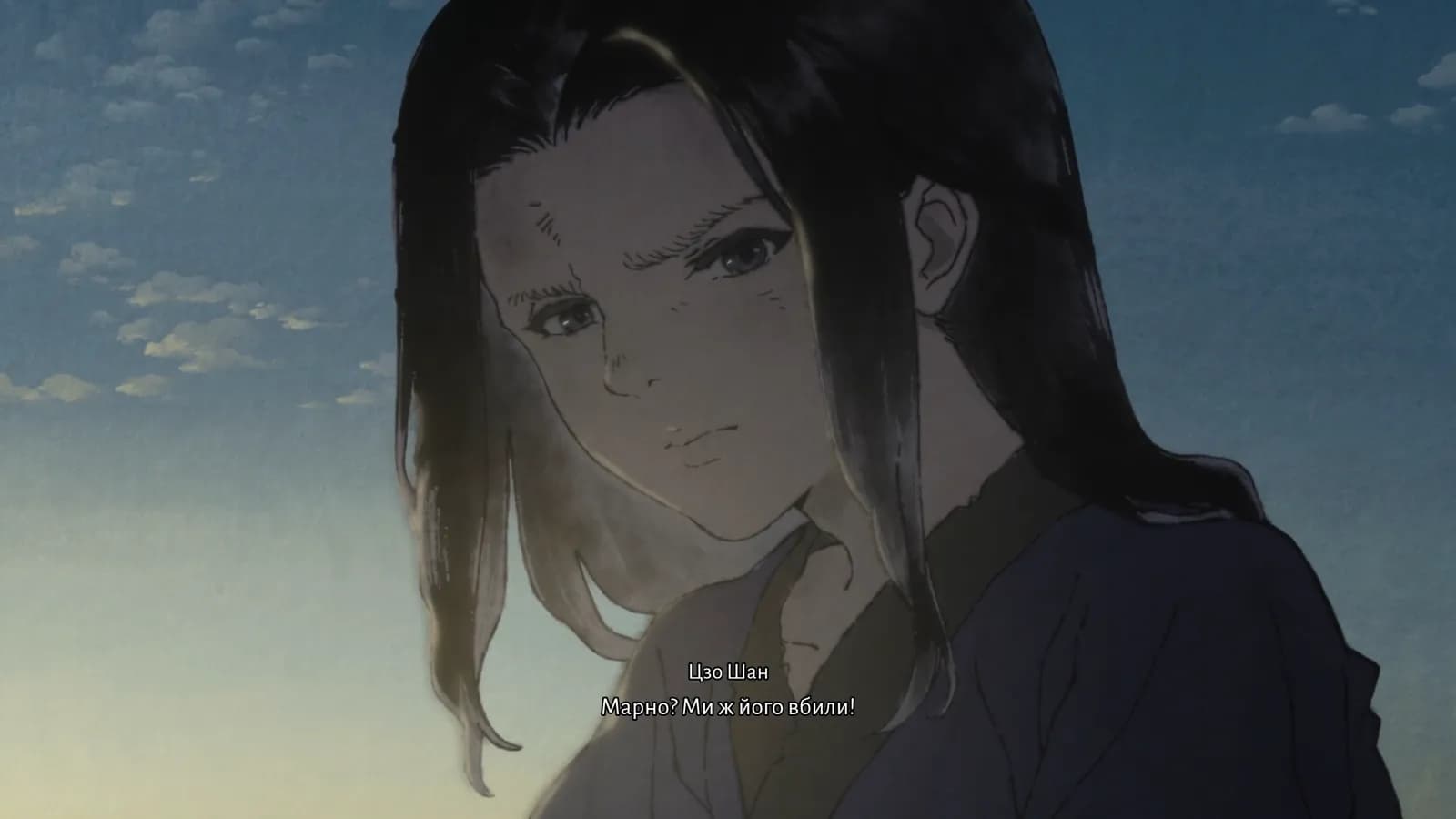
If you prefer no AI voices, install text only: you keep the original English voice-over with Ukrainian subtitles.
How to install
- Download the installer from the Phantom Blade Zero Ukrainian translation page.
- Run PhantomBladeZero-Ukrainian-1.0-setup.exe. If Windows shows "Windows protected your PC", click "More info" → "Run anyway".
- The installer finds the game in Steam. The game's Steam folder is called PBZ; if it is not found, point to it manually (Steam → right-click the game → Manage → Browse local files).
- Choose "Text and voice-over" (1.2 GB) or "Text only" (7 MB).
- Keep the game's text and voice language set to English: the translation replaces it.
What changes in the game
No game files are overwritten. The mod places its own three files in ProjectPBZ\Content\Paks\~mods and the game loads them instead of the English text and lines. A Steam file integrity check does not break it, and uninstalling restores the original game completely.
Uninstall: Windows Settings → Apps → "Українізатор Phantom Blade Zero". If English lines or empty strings appear after a game update, uninstall the mod and install the latest version from the page.
Questions
Is it free? Yes. Donations are optional.
Does it work on Steam Deck? The installer is a Windows program. On Steam Deck you can copy the files into the ~mods folder by hand (a no-installer version is on Nexus Mods), but we have not tested it.
Is the installer safe? It was scanned with ClamAV, and its SHA-256 checksum is listed on the mod page. Windows warns about it only because it does not have a paid code-signing certificate yet.
Read next
- GTA IV Ukrainian translation: text and voice-over mod
Does GTA IV support Ukrainian, how to install the free Ukrainian translation with voice-over for The Complete Edition and both episodes, and what is translated.
- Cyberpunk 2077 Ukrainian language: official text yes, voice-over no
Cyberpunk 2077 has official Ukrainian menus and subtitles since update 2.0 (Sept 2023) but no dub. How to switch it on and whether you need a fan patch.
- Forza Horizon 5 in Ukrainian: no language support, and what to pick instead
Forza Horizon 5 has no Ukrainian language and no fan translation that we know of. Which languages Steam lists and which one to choose if you want a language that's easy to read.